Accessing Your Environment
This page explains how to access key components of OSC (Open Sovereign Cloud) infrastructure:
- OSC Dashboard
- Keycloak security admin console
- Garden (limited access) and Shoot Kubernetes clusters
OSC Dashboard
- URL format:
https://gardener.apps.<Garden cluster name>.<region>.osc.live/ - Example:
https://gardener.apps.garden1.ffm.osc.live/
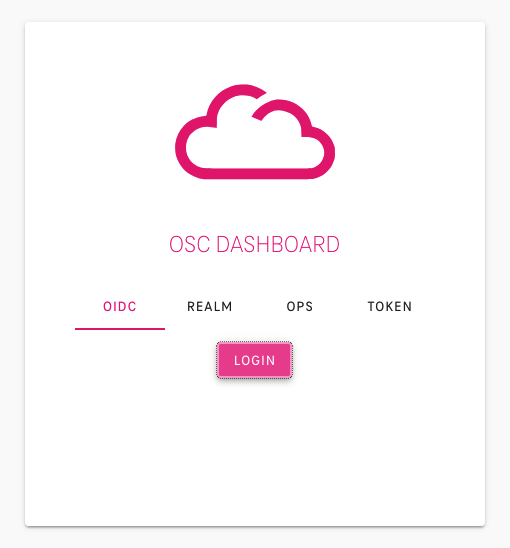
Please refer to the documentation on authentication to OSC Dashboard.
Note
available regions: ffm and mdb
Keycloak
During the onboarding process OSC creates one or more users specified by the customer — the Realm owners. These users will be granted with rights to create and manage additional customer users and groups via Keycloak Security Admin Console.
- URL:
https://sso.apps.<Garden cluster name>.<region>.osc.live/admin/master/console/ - Example:
https://sso.apps.garden1.ffm.osc.live/admin/master/console/
Kubernetes access to the Garden cluster
To be able to connect to the Garden cluster via the kubectl tool, the cluster's kubeconfig file is needed. This can be downloaded from the OSC Dashboard.
Please refer to the documentation on accessing the Garden Cluster.
Kubernetes access to the Shoot Cluster
The Shoot cluster can be accessed via any Kubernetes management tool (kubectl, k9s, Lens, etc.) using a kubeconfig file
For further information please refer to the documentation on authentication to a Shoot Cluster.