How to create a project
Info
The Project resource is used for data isolation between individual Gardener consumers. For example, different teams can have their own Projects to manage their own Shoot clusters.
How to create project
-
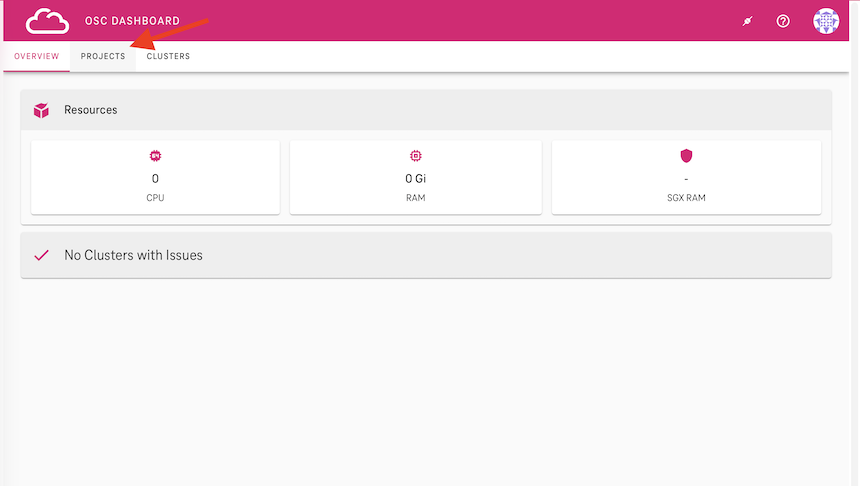
Navigate to the project section of the OSC Dashboard.
-
Click the
+sign to create a new project.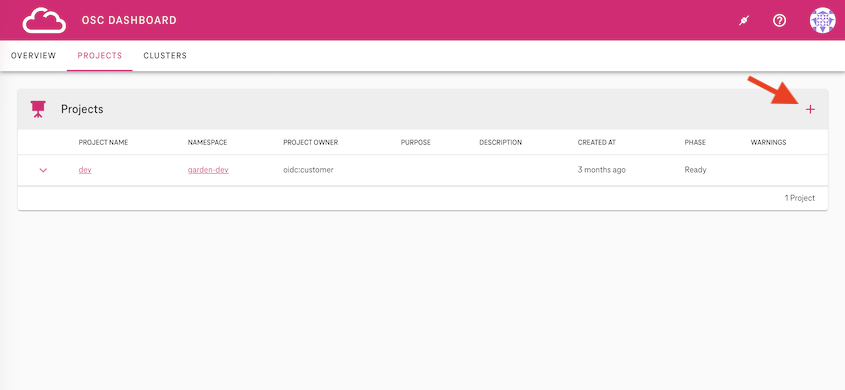
-
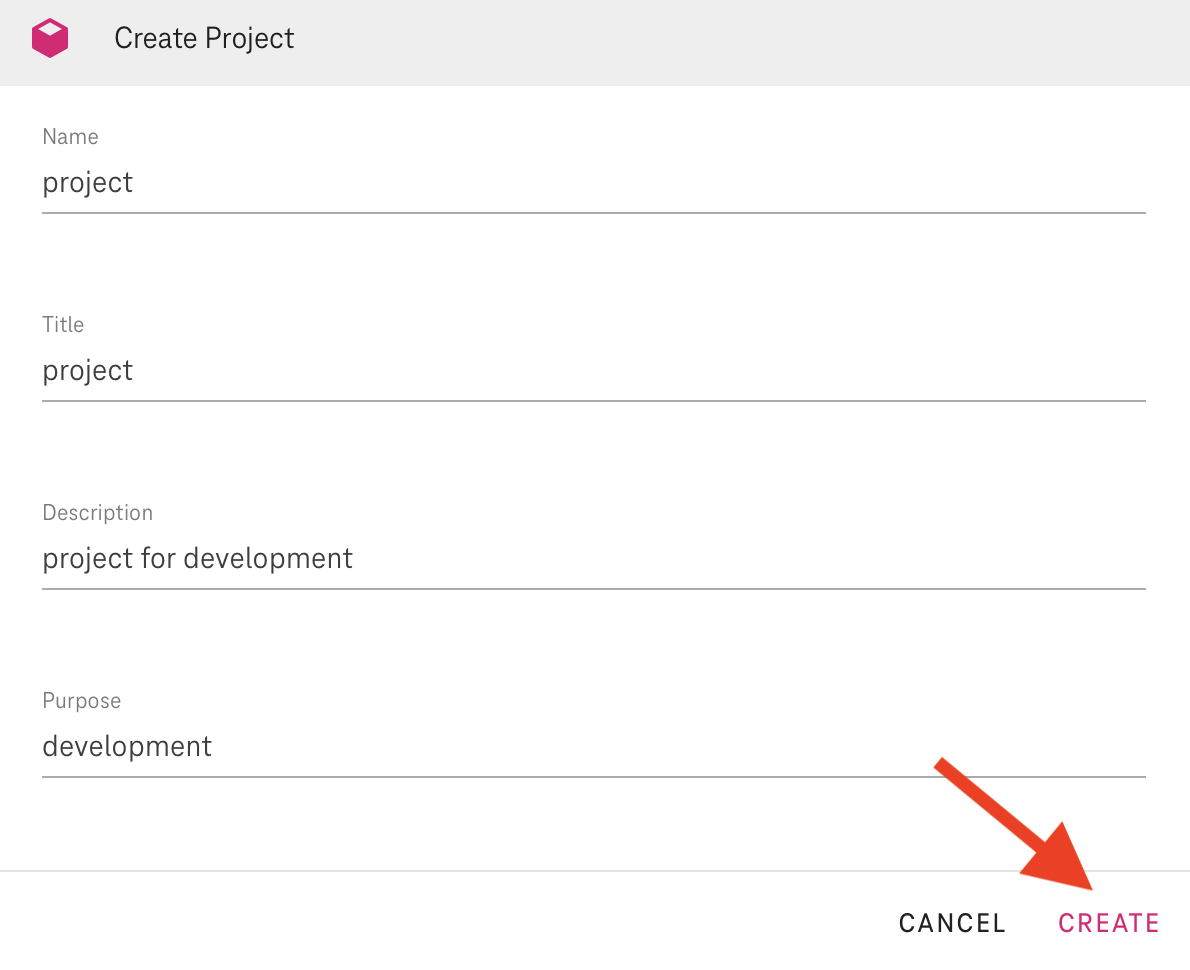
Fill in the fileds and click on the
createbutton.